
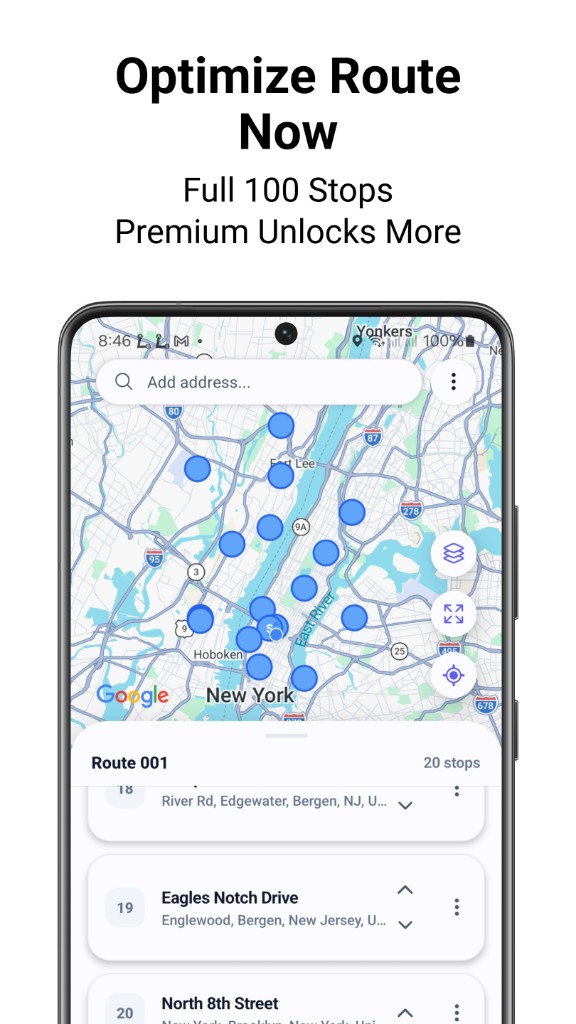
One-tap route optimization
Automatic stop sequencing for shorter, faster multi-stop courier routes — ideal for parcel runs and same-day delivery.
Multi-stop delivery & courier routes
Delivery route planner for couriers and delivery drivers: plan routes on a map, add stops with search or pins, bulk CSV/Excel import for parcel and multi-stop delivery, optimize up to 100 stops in one tap, then Google Maps or Waze. Optional label OCR. Free on Google Play.
courier-route-planner
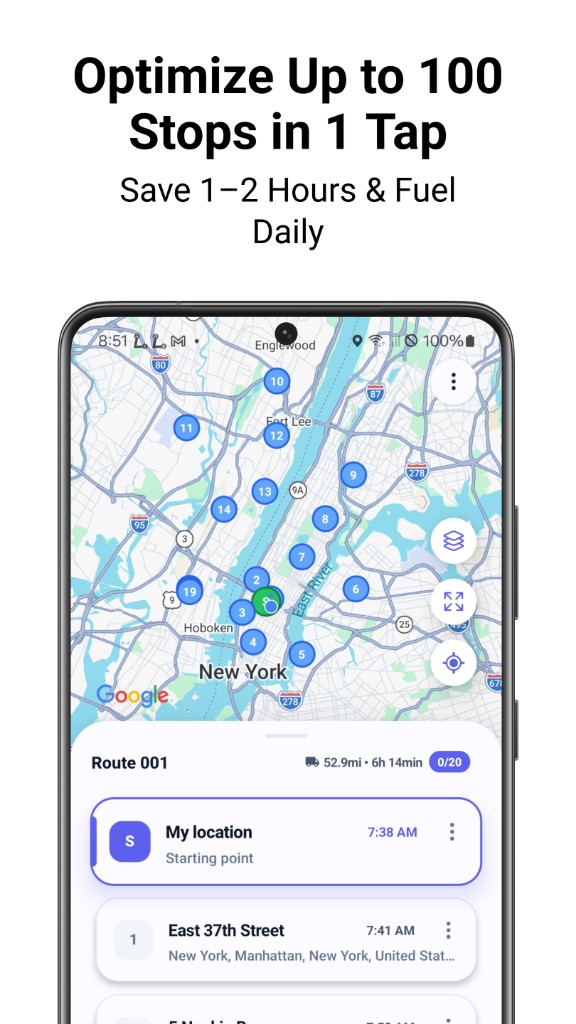
Delivery route planning and courier routing for last mile, parcels, and multi-drop runs — map your day, import stops fast, and optimize like a dedicated delivery routing app.
Automatic stop sequencing for shorter, faster multi-stop courier routes — ideal for parcel runs and same-day delivery.
Heavy multi-drop and last-mile route planning: build long delivery lists with search and map drop pins, then optimize once.
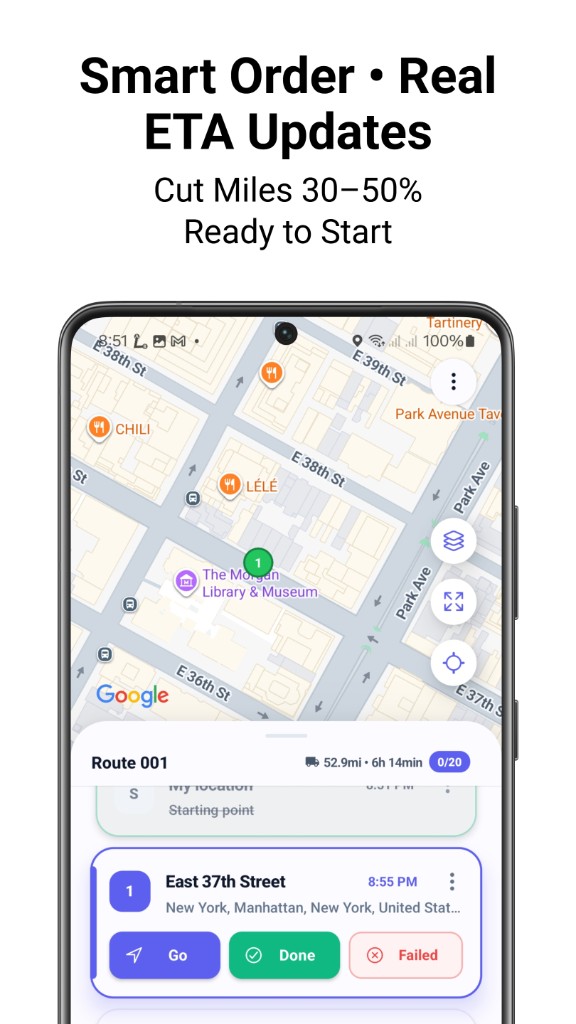
Turn-by-turn navigation to every delivery stop using the maps apps drivers already rely on for road miles and ETAs.
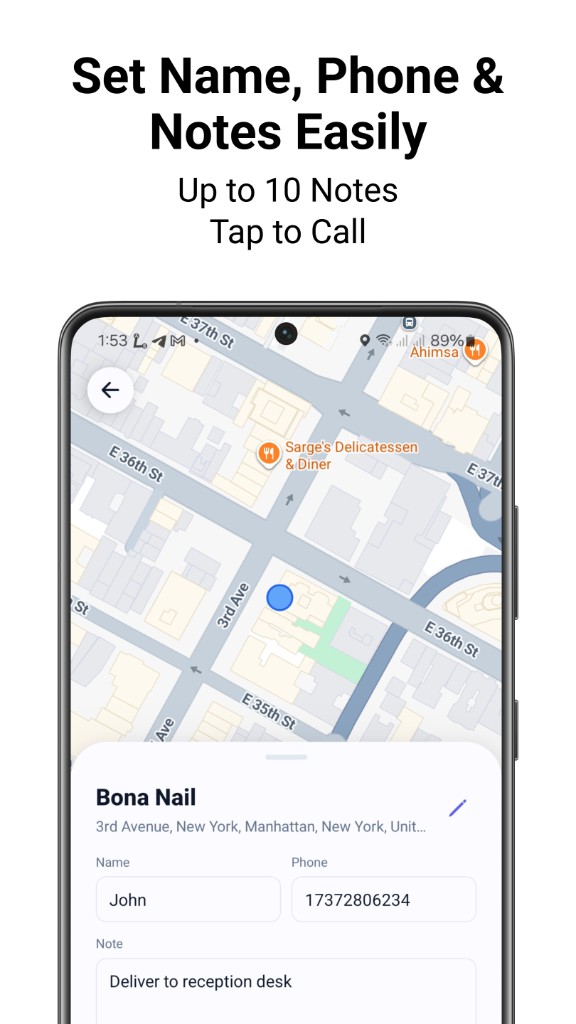
Faster address capture from package labels — built for high-volume parcel and courier workflows.
Import delivery addresses in bulk from CSV or Excel, then optimize all stops in one route.
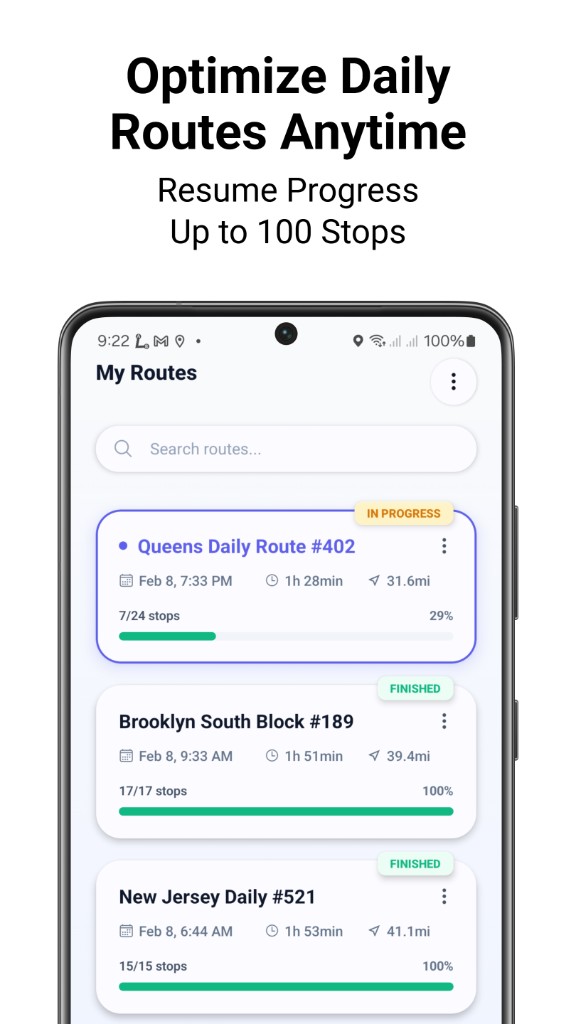
Multi-stop maps, delivery ETAs, saved routes, and Google Maps navigation — delivery driver route software in action.
Common questions about courier route planning, multi-stop optimization, and navigation.
Courier Route Planner is a courier route planner and delivery route planner for Android. It supports delivery route planning on a map: multi-stop and parcel-friendly workflows, one-tap optimization (up to 100 stops), and Google Maps or Waze navigation.
Add delivery addresses with search, map pins, or CSV/Excel upload, then tap optimize. The app reorders stop sequence to shorten travel distance and help delivery drivers plan routes faster.
Yes. After optimization, open each leg in Google Maps or Waze for turn-by-turn navigation to every delivery stop, using the maps apps drivers already rely on.
Yes. You can start using Courier Route Planner for free on Google Play. It is built for couriers and delivery drivers who need multi-stop route planning without extra hassle.
Yes. Use bulk import to load many addresses from CSV or Excel, review them on the map, add them to a route, and run the delivery route optimizer in one tap — ideal if you were looking for a CSV route planner.
You can download and start for free on Google Play with multi-stop planning, optimization, and Google Maps or Waze handoff. Premium unlocks higher per-route stop limits and more monthly optimizations for heavy courier, parcel, and last-mile use.
Get Courier Route Planner on Google Play — a delivery route planner app for delivery drivers on Android.
Download the app